Shape Wars
A downloadable game for Windows
Shape Wars
Installation:
Installation:
All the files needed to play the game are in the zip folder.
Simply extract the archive, place the folder in a location of your choosing, and launch the Shape Wars .exe
The game is optimised for 1920x1080 displays and is untested on other resolutions.
Should be playable with just a mouse, but keyboard and mouse is recommended.
Controls:
Most menu controls are indicated on their respective UI elements.
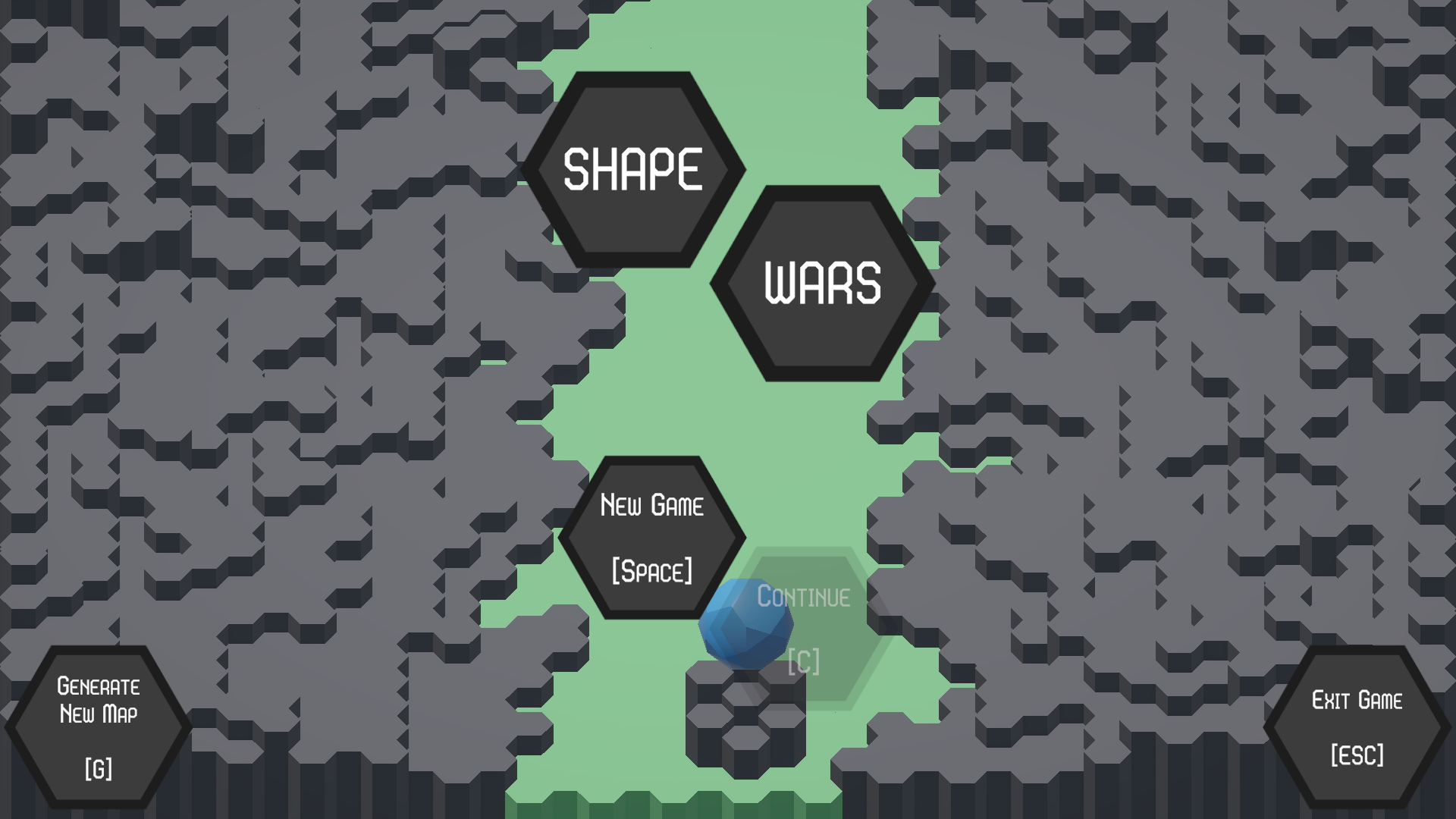
In the main menu, press the button or 'G' key to generate a new map.
Once satisfied, click 'New Game' or 'N' to start a fresh game on that map.
To move up and down the battlefield, use 'W' and 'S' respectively.
To pause use 'ESC' or 'P'.
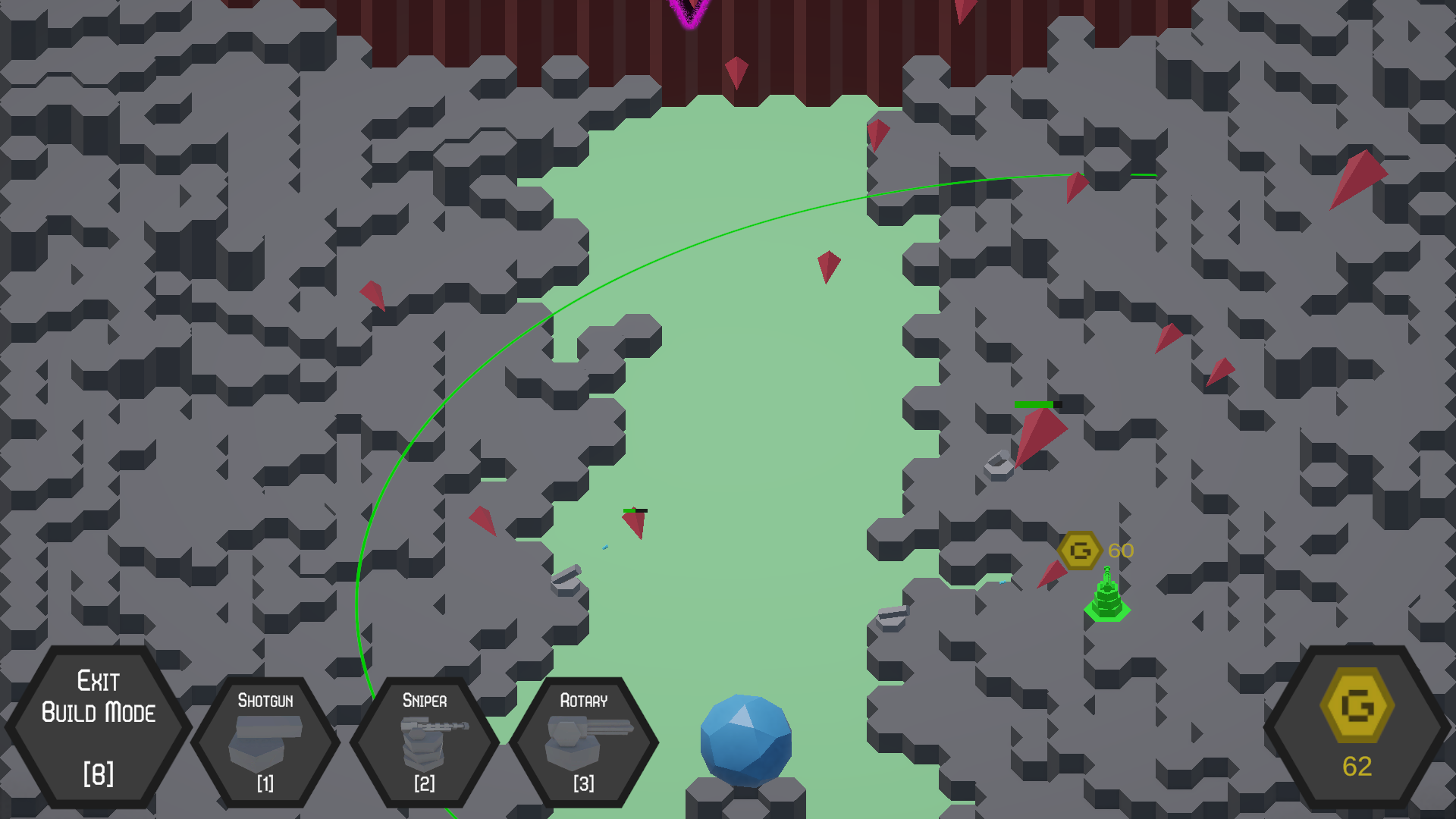
Your gold reserve is displayed in the bottom right corner of your screen.
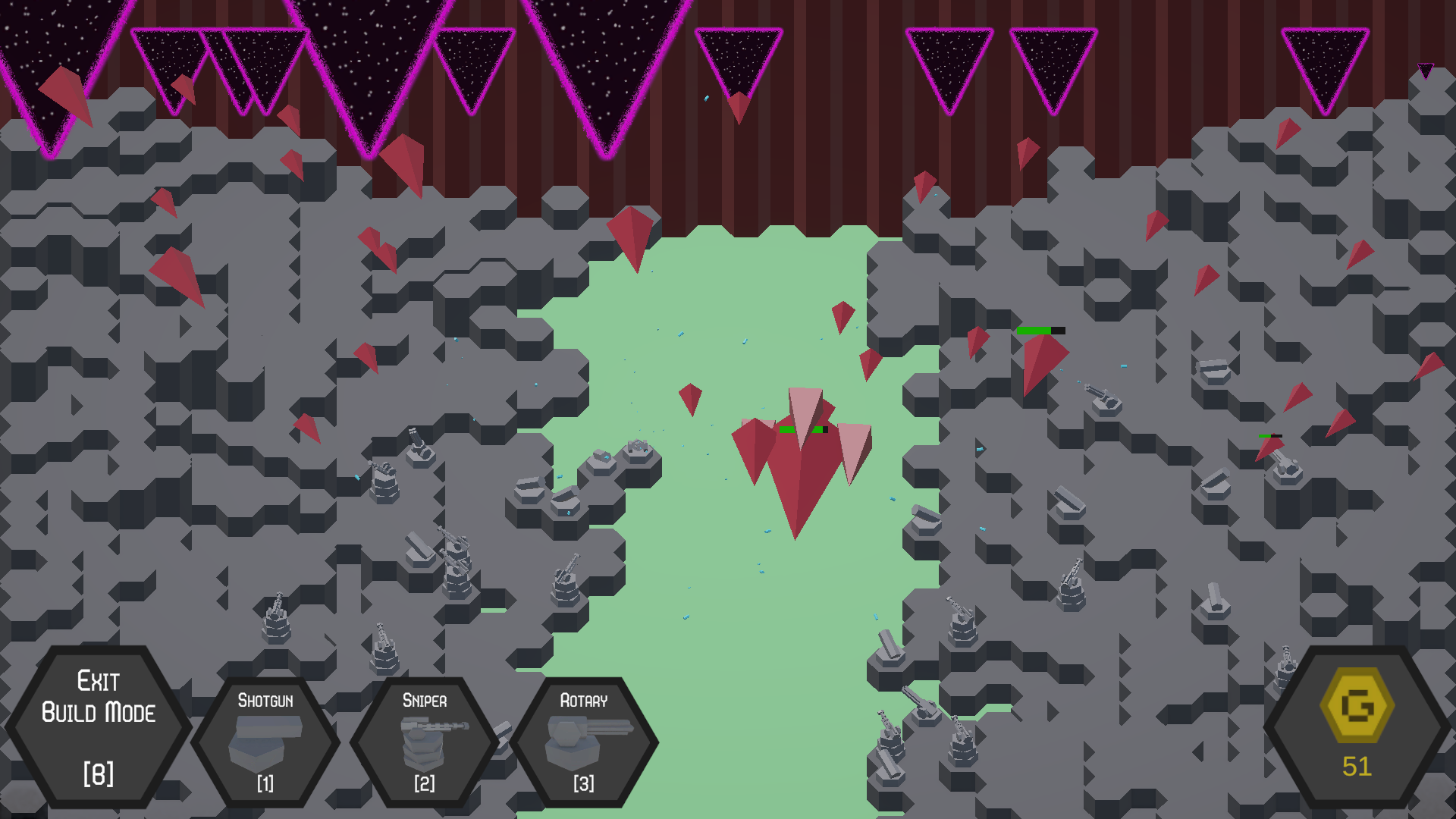
Press 'B' or the button on the bottom left of the to enter build mode in game and left click where you want to build the turret.
There are 3 turrets to choose from through either the buttons on the bottom left of the screen, or keys 1-3.
There are two main enemy types, faster basic enemies or slower but tougher elite enemies.
The game ends when you beat the boss who spawns after 5 minutes or should you
let too many enemies through to the base.
References:
Font: https://www.fontspace.com/eightgon-font-f129321
Sound effects:
Floraphonic sci -fi gun shoot
Music:
Hexagon Fury by Psychronic
All other assets are self-made using Unity's ProBuilder and Photoshop.
Download